A case manager's inbox does not run on the case calendar. It runs on everyone else's. A partner needs a document index before a meet-and-confer this afternoon. An associate needs a complete file on an expert before a call Tuesday. Opposing counsel is expecting a production Friday, formatted to a specification someone agreed to months ago. None of these requests arrive together, and none of them wait.
The deliverable itself is often not the hardest part. The real work is reconstructing the case record behind it.
Documents sit in review platforms. Filings live on shared drives. Facts and issues are tracked in spreadsheets. Testimony lives somewhere else. Every request becomes another round of finding, collecting, reconciling, and formatting the same materials. Then something changes, and yesterday's work has to be rebuilt.
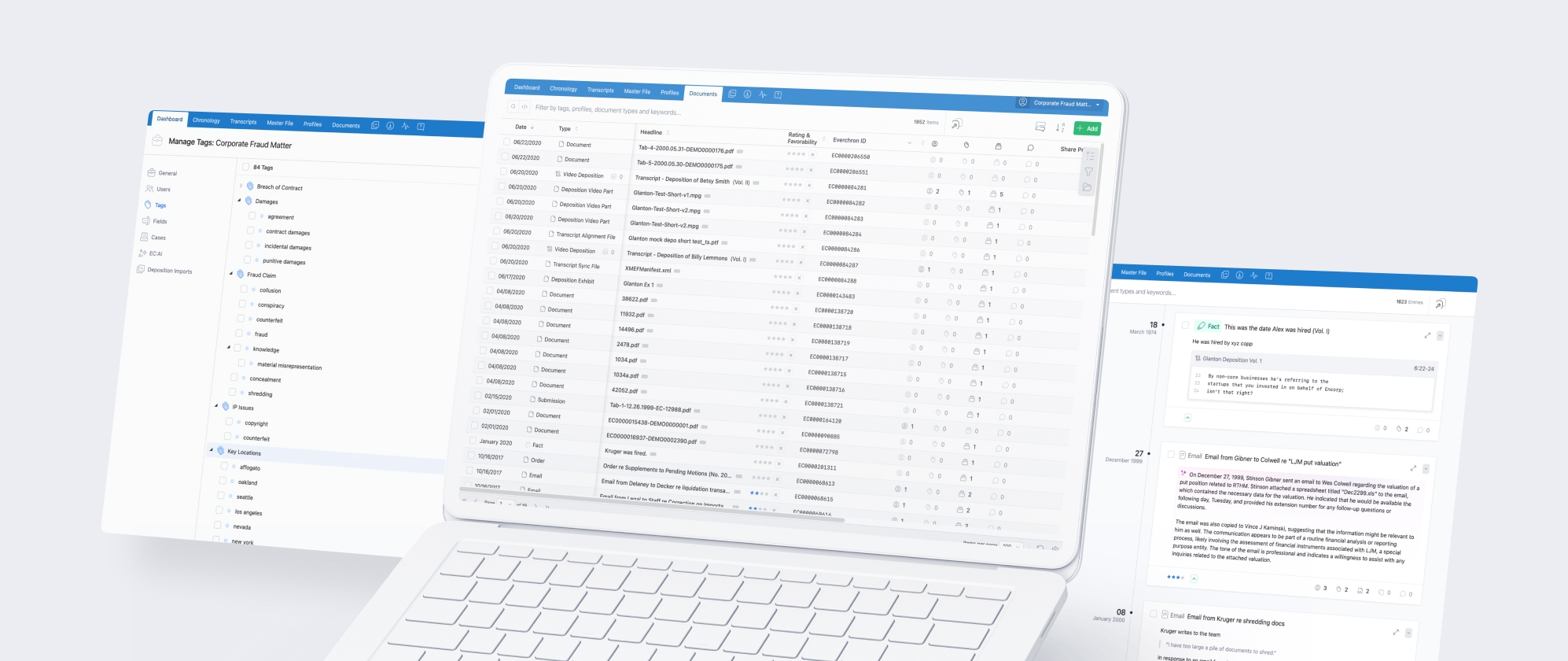
Everchron changes that workflow. When key documents, filings, facts, issues, and testimony are already organized in one connected workspace, a new request is an assembly problem rather than a collection problem. The team builds the record once and produces deliverables from it for the life of the matter.
Reports that reflect the current record
A static report begins aging the moment it is created. Documents are superseded, exhibits are added, productions arrive, and the version circulated last week no longer matches the case. Teams re-run lists, then spend more time checking whether the prior version was wrong than they spent generating the new one.
Reports in Everchron draw from the same workspace the team already maintains. A Metadata Index Report reflects the documents in the collection as they stand, with linked entries that make the underlying material easy to open and verify. Excerpt Reports pull directly from the testimony already reviewed. Because the report and the record share a source, there is no separate reconciliation step and no question about which version is current.
The team decides what belongs in the report. Everchron removes the work of assembling it.
Exports that arrive organized
An export is only useful if the recipient can navigate it. Renaming files, sorting documents, and building folder structures across hundreds of items is tedious, time-consuming, and vulnerable to human error — and the recipient notices only when it goes wrong.
Teams define naming conventions and organizational rules once, and Everchron applies them across the export. Materials are packaged into clear folder structures or polished PDF portfolios for external review, whether the request involves five documents or an entire matter.
This is the container, not the pages. Page-level work — exhibit stickers, trial exhibit numbers, headers and footers stamped across every page — is a separate capability, and one that matters most as a case approaches trial. We covered it in preparing for trial without the last-minute scramble.
Witness and expert files before the session
An attorney preparing for a witness interview, an expert call, or a mediation session rarely wants a folder of documents bearing that person's name. They want the surrounding context: prior testimony, connected exhibits, the chronology entries the person appears in, and the issues those entries support.
Everchron builds profiles for key people and entities, connecting each one to the related testimony, documents, chronology entries, and issues in the matter. When a request for a witness file arrives, the underlying work is already assembled. The team reviews the connected record, sees how the person relates to the broader case, and exports the relevant materials in a single workflow.
The trial-phase version of this work — witness binders, examination sets, materials that shift with the witness order — is covered in the trial preparation installment of this series.
Transcript deliverables on a short clock
Designation exchanges, annotation reports, and video clips arrive with deadlines set by a scheduling order rather than by the team's own workflow. Manually cross-referencing transcripts, checking designations against the current list, and formatting outputs adds hours at exactly the wrong time.
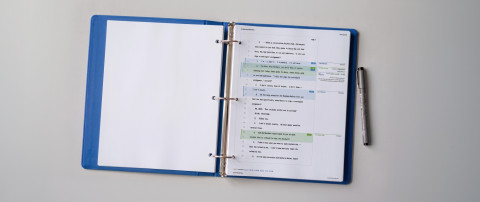
Teams generate designation reports and video clips directly from transcripts already in Everchron, and export four-column annotation reports for use in TrialDirector or OnCue. Because transcript work lives alongside the rest of the case record, the path from review to final deliverable does not run through a separate system.
The full designation cycle — counter-designations, objections, rulings, and clip revisions in the days before testimony is presented — is its own workflow, and one we treat separately in the trial preparation installment.
Build the record once. Deliver from it repeatedly.
Case teams will always have new requests, new deadlines, and new versions of the record. What should not grow alongside them is the manual work required each time someone asks for an output.
Everchron turns the case record into a reusable foundation for the work that comes next. Reports, witness files, transcript deliverables, and exports all draw from the same connected workspace, so teams spend less time rebuilding what they already know and more time getting accurate work out the door.
This article is part of our Everchron for Case Managers series. Explore the earlier installments on building a case chronology, finding the documents that decide a case, and preparing for trial without the last-minute scramble.